A budgeting experience designed to make financial management feel simpler, more approachable, and more engaging for students and organizations

Discipline
Product Design · UX/UI
Year
2024
Role
UX/UI Designer
Tools
Figma
Project Context
Keeping Tabs was created by a four-person team during the UT Dallas UX Club Design-A-Thon in response to a prompt presented for the Intuit track. In 24 hours, we developed and prototyped a budgeting experience designed to make financial management feel more approachable for students and student organizations.
The project received second place in the Intuit track, competing among more than 20 teams and over 100 participants.
The Problem
Students are often managing personal expenses, organization budgets, events, and other financial responsibilities for the first time. Many existing budgeting experiences assume that users already understand financial terminology and know how to structure a budget.
For beginners juggling several responsibilities, keeping those expenses organized can quickly become confusing and intimidating.
24 Hours
The compressed timeline required our team to quickly align on the problem, prioritize a focused set of features, establish a visual direction, build an interactive prototype, and prepare the final presentation.
Rather than attempting to create a complete financial platform, we concentrated on demonstrating the central experience: organizing multiple budgets and understanding where money was being spent.
Our Approach
Our team recognized that students may be responsible for more than one type of budget at the same time. A student might manage personal spending while also tracking expenses for a club, school project, community organization, or event.
That insight led us to organize the experience around “Tabs”—separate spaces that allow users to keep different financial responsibilities organized without combining everything into one overwhelming view.
Users can create separate Tabs for personal finances, student organizations, events, and other responsibilities. This structure keeps unrelated expenses from becoming mixed together while still allowing users to access every budget from one place.
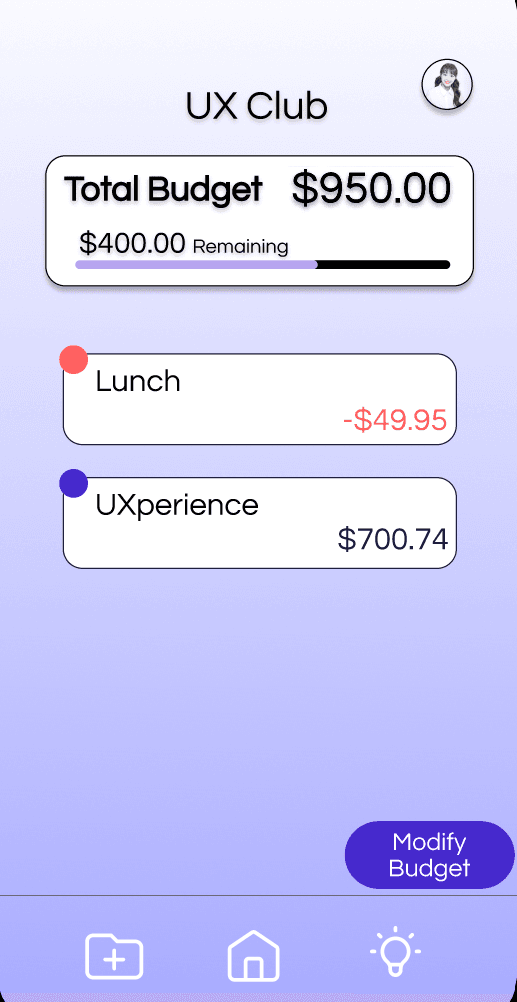
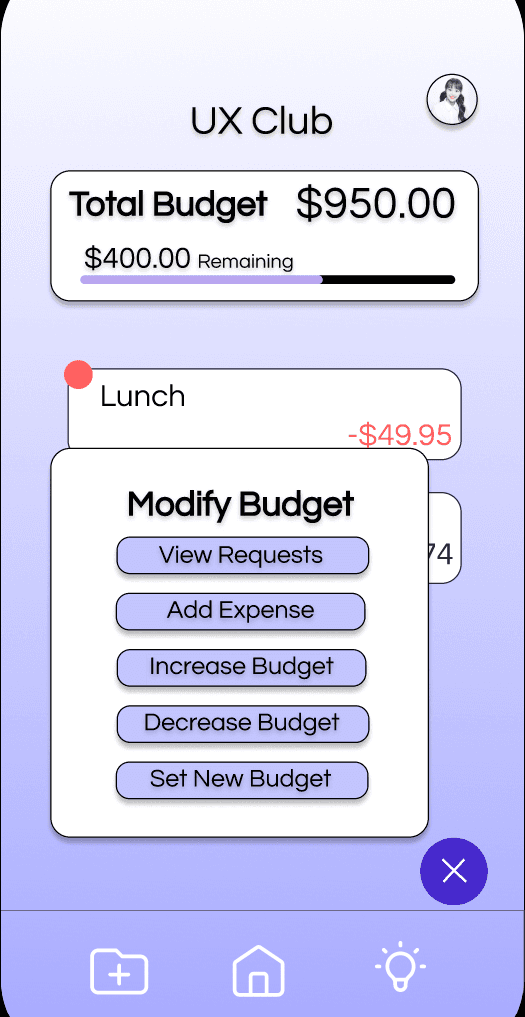
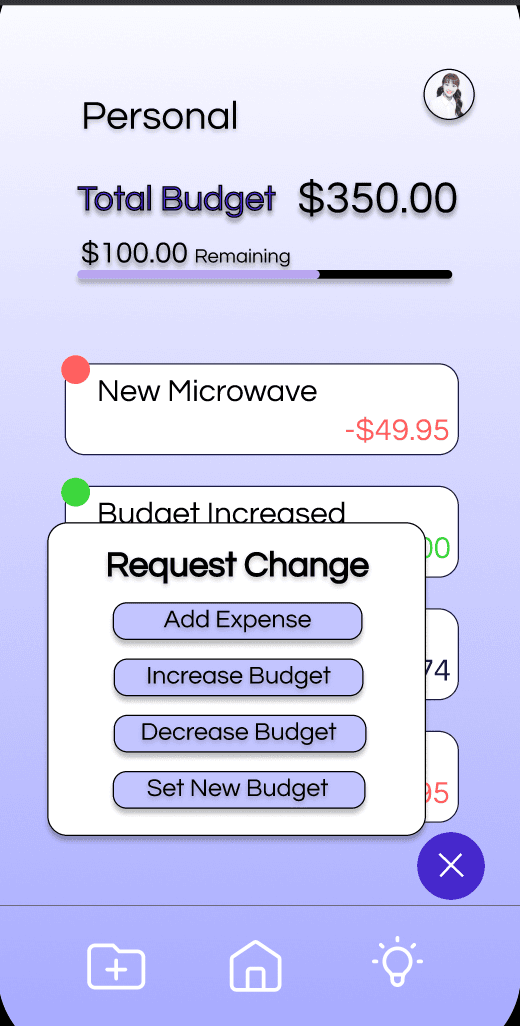
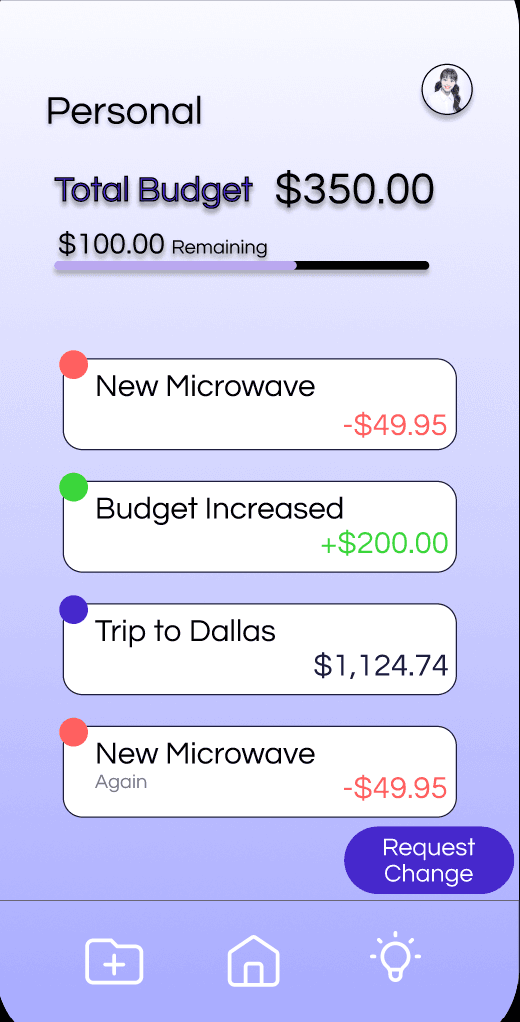
Within each Tab, users can review the total budget, see the remaining balance, and track individual expenses. They can also add expenses and modify the budget when circumstances change, supporting both everyday spending and event-based financial planning.
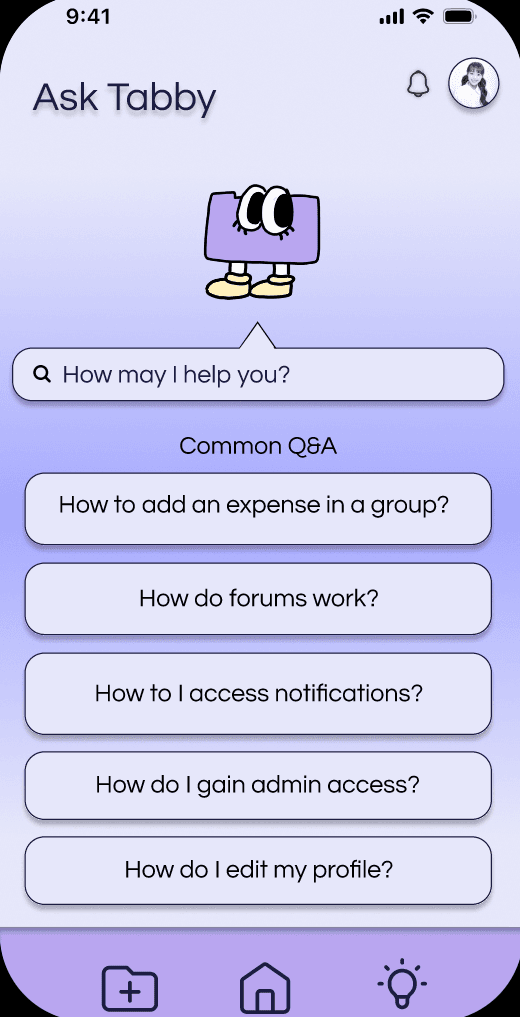
We used friendly language, a soft visual system, and Tabby, our mascot, to make the experience feel less intimidating for beginners. Notifications surface relevant budget updates, while guidance and supporting resources help users understand what requires their attention.
Final Prototype
Keeping Tabs received second place in the Intuit track of the UT Dallas UX Club Design-A-Thon, competing among more than 20 teams and over 100 participants.
Within 24 hours, our team moved from the initial prompt to a functioning interactive prototype and presented a focused concept for making financial organization more approachable to students.
Keeping Tabs taught me how to prioritize ideas and make design decisions within a highly compressed timeline. Working as part of a four-person team also required us to combine different perspectives, divide responsibilities, and maintain enough visual consistency to present the experience as one connected product.
With additional time, I would test the Tabs structure with students, improve the interface’s accessibility and visual hierarchy, and consult financial professionals before expanding the guidance and community features.